Yearworm
Hear it. Name it. Date it. Place it.
A music party game. The TV plays a short clip of a song. On your phone, name the artist and the song, guess the decade, and slot it into the timeline of every song played so far. The timeline grows every round, so placing gets harder as the night goes on.
Open the TV →Open this on the TV (or a laptop on the speakers), tap once to turn the sound on,
then everyone scans the QR code. Play every phone for itself, or in teams.
Open tables
Looking…
How it plays
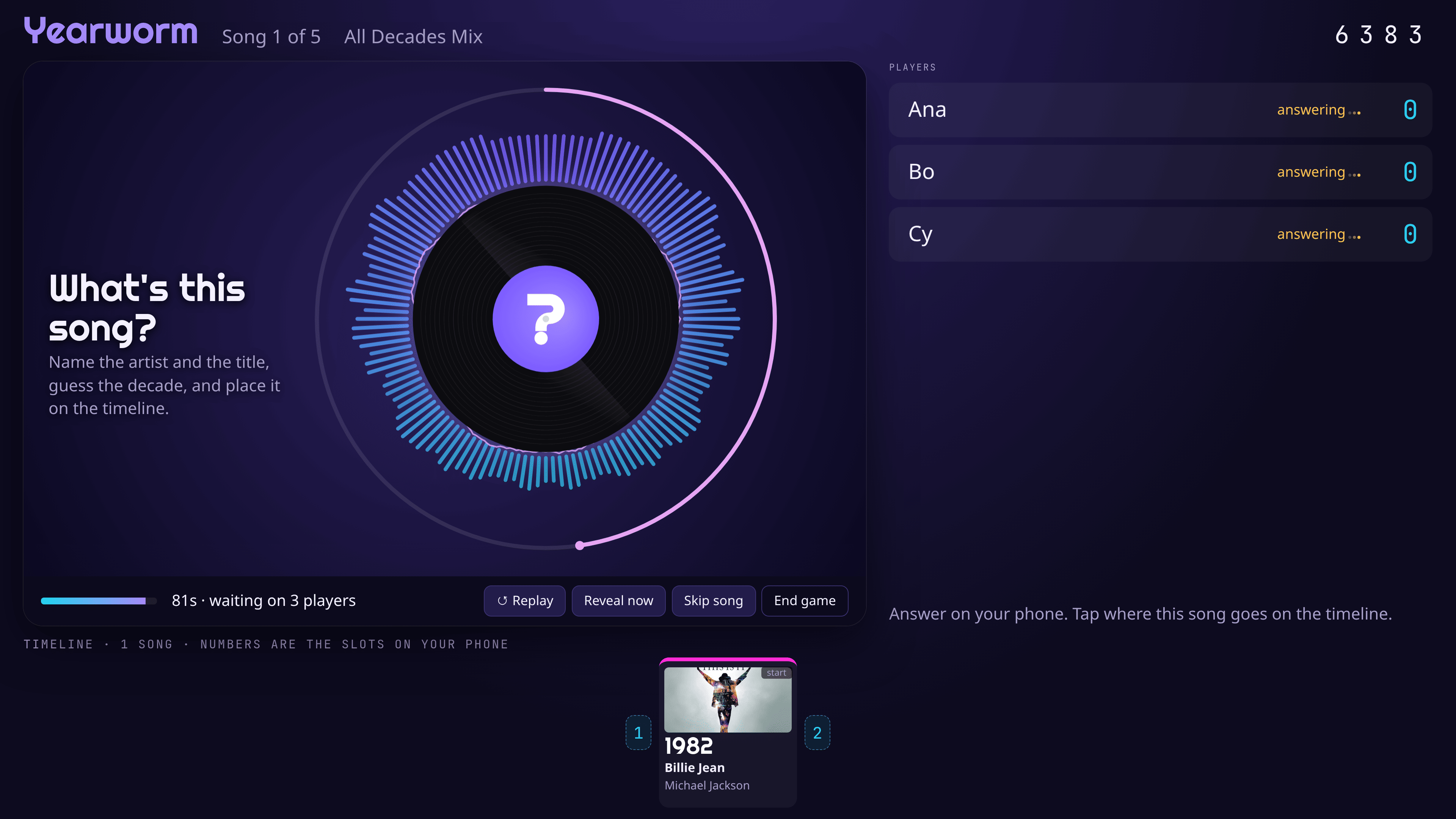
- Listen. The TV plays about 20 seconds of a song behind a spinning ? record. The host can replay it.
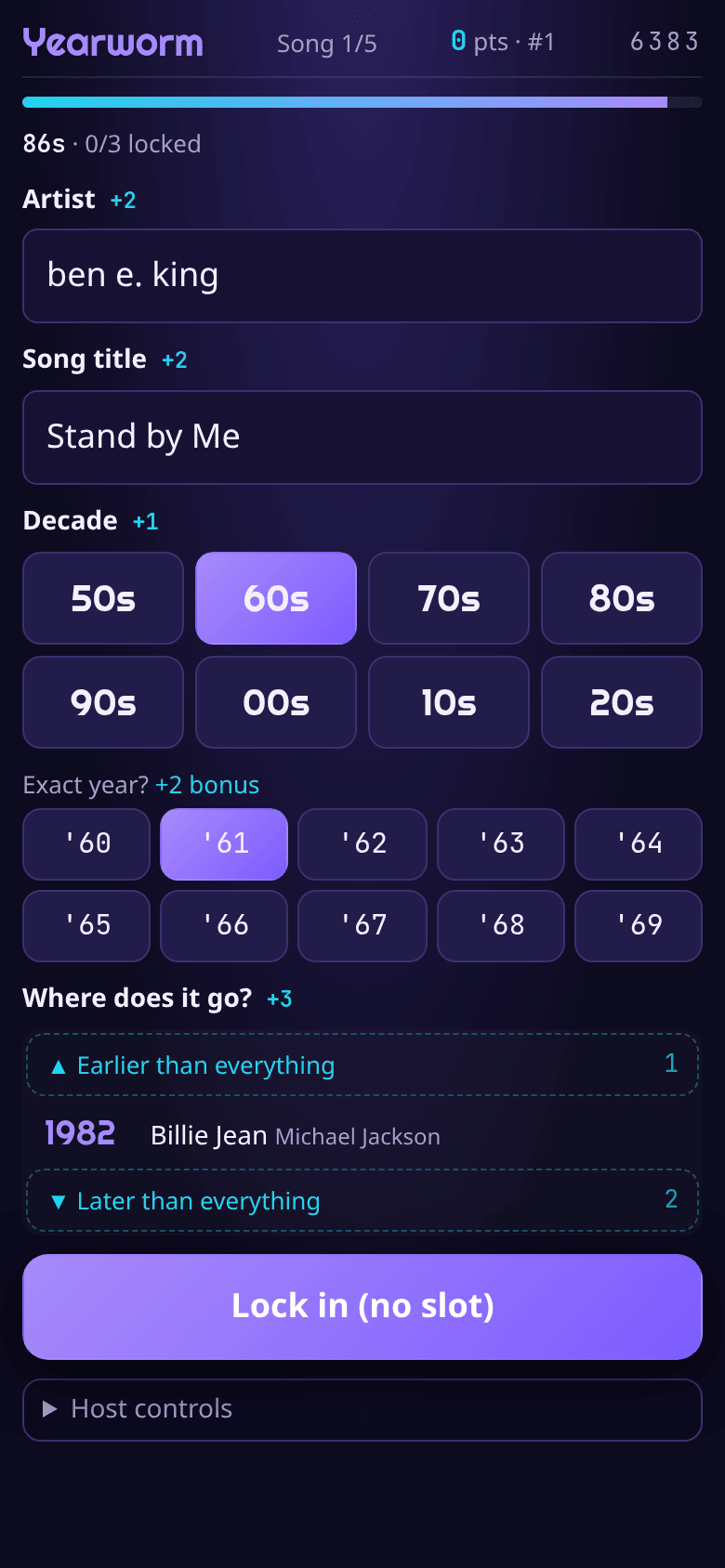
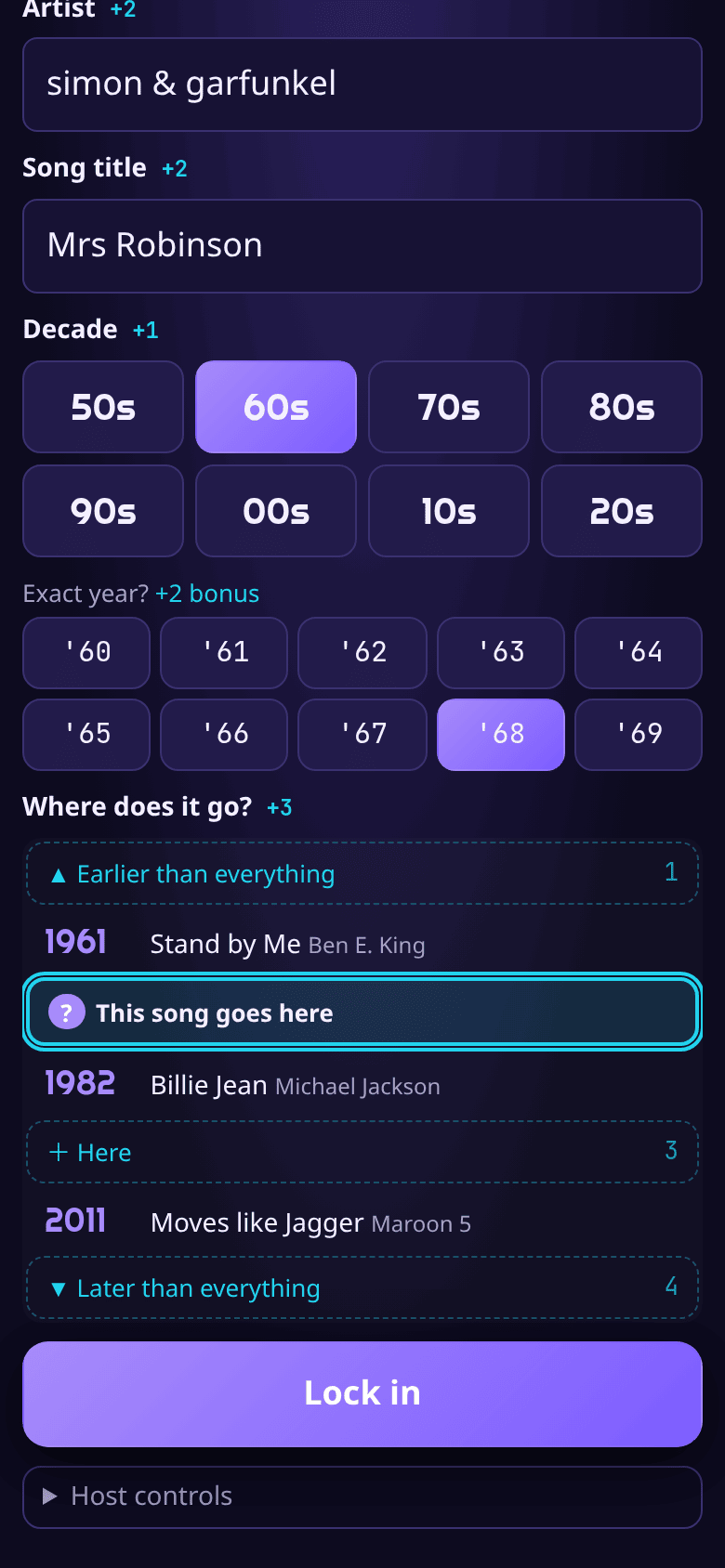
- Answer on your phone before the clock runs out: type the artist and the title (spelling doesn't have to be perfect), tap a decade, and tap the gap in the timeline where you think it goes.
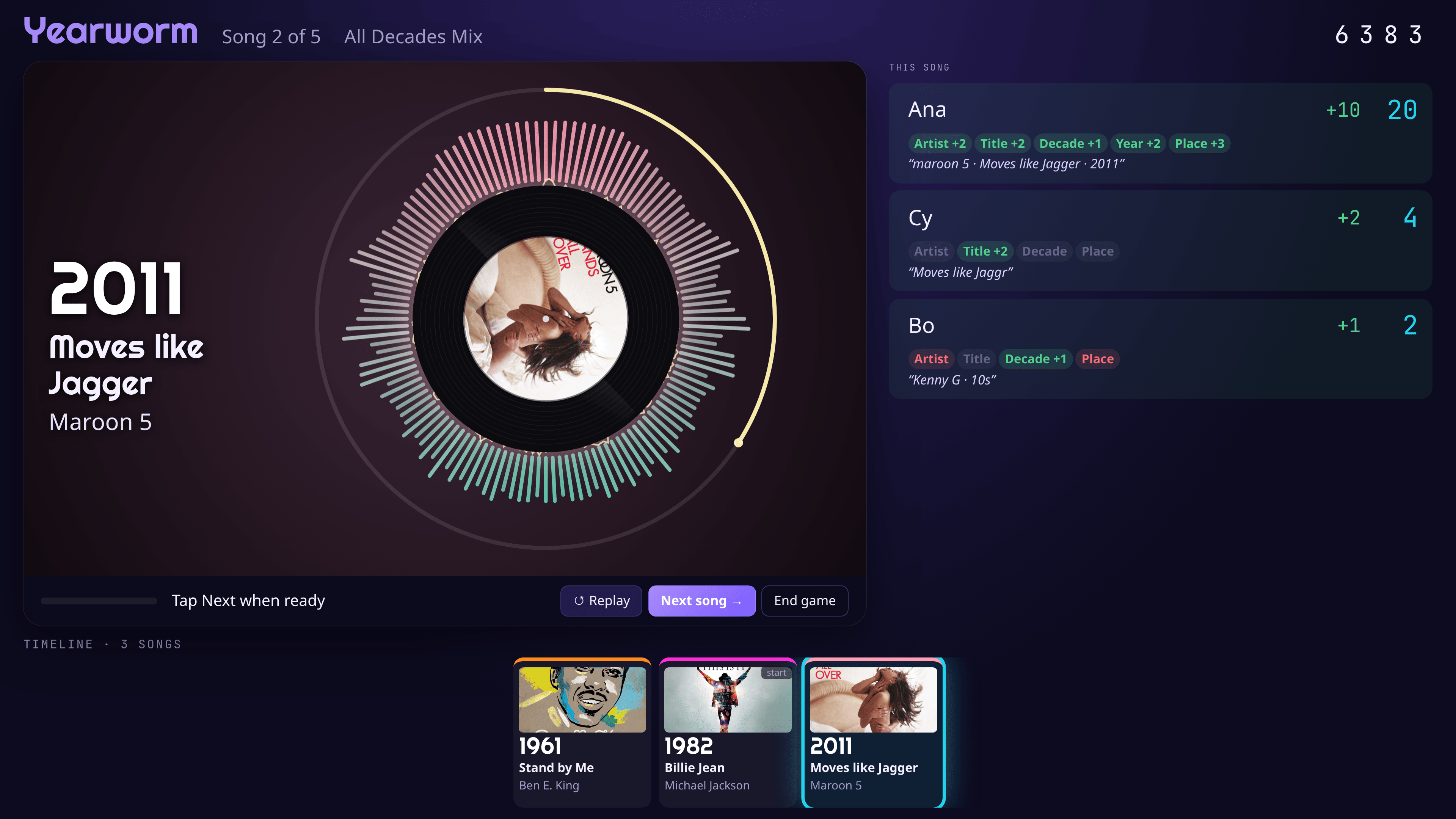
- Reveal. The record flips to the cover art, the colours shift to the song's decade, and everyone's answers light up.
- The song joins the timeline. Next song.
| Artist | +2 | Placement on the timeline | +3 |
| Title | +2 | Exact year (optional) | +2 |
| Decade | +1 | Same-year songs count on either side. | |
Teams: each team shares one answer form. Anyone on the team can type into it, and anyone can lock it in.